
 Developer data
FOR DEVELOPERS
Apartments and floors in one clear digital showcase
We turn statuses, prices, and floor plans into an interactive grid: buyers see what's available, and your sales team manages every unit in one interface.
- Interactive apartment grid
- 3D apartment tours
- Leads for your sales team
Live showcases
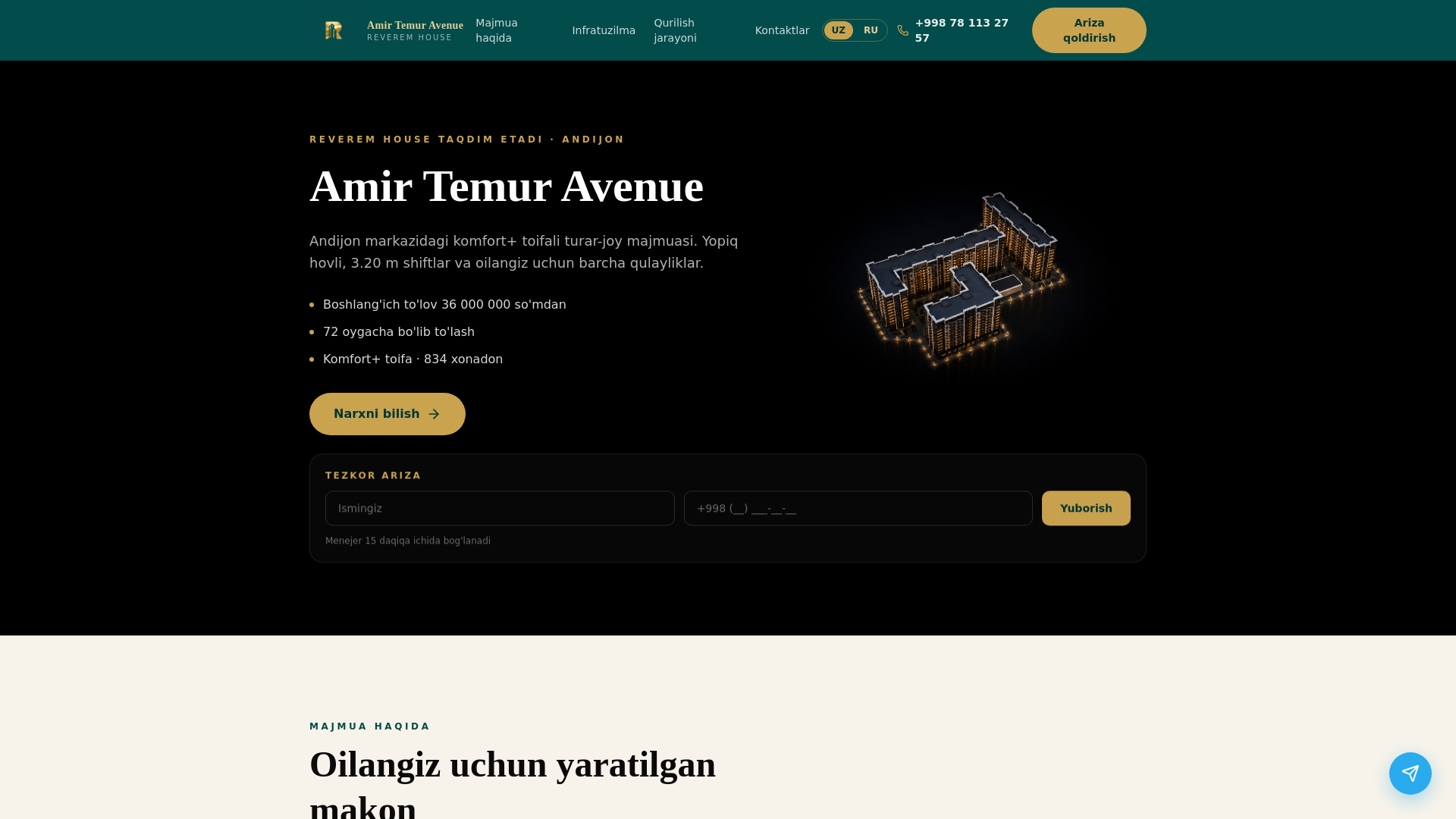
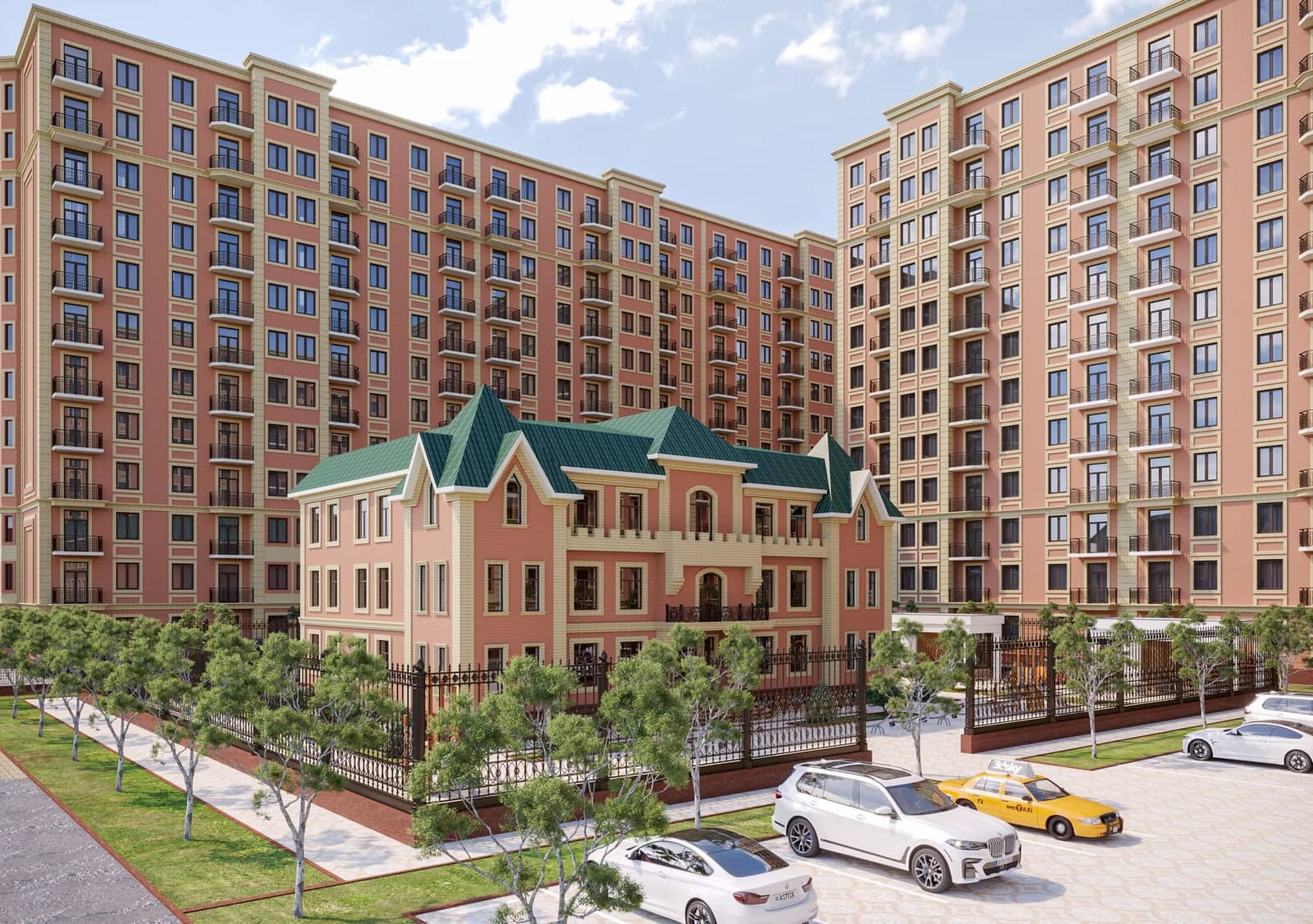
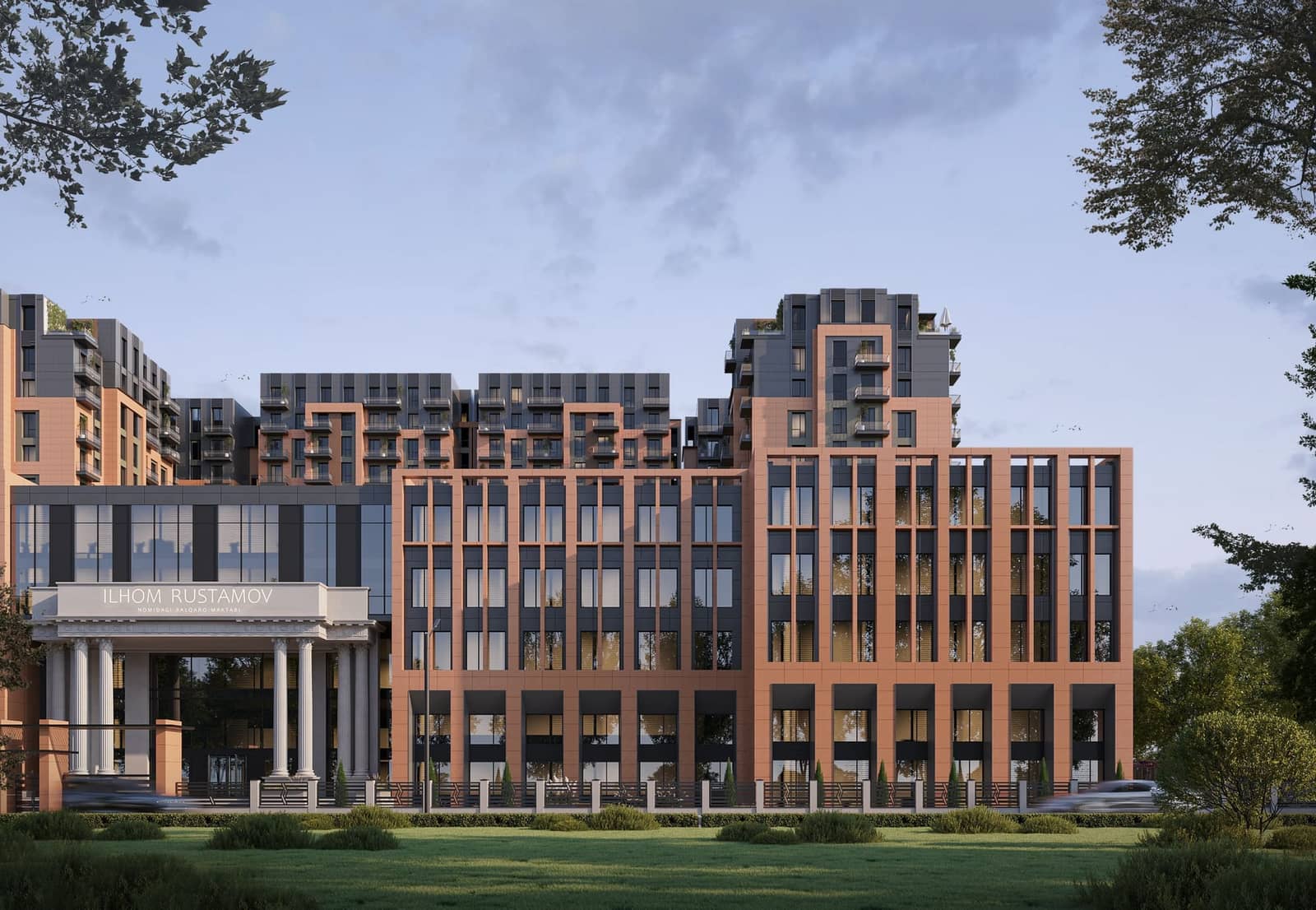
Real residential complexes
Complexes compiled by HATA from listings. This is not the developer's official chessboard.
Developer data
 Developer data
 Developer data
 Developer data
 Developer data
BUILDING SELECTOR
Facade, floor plan, and grid — one interface
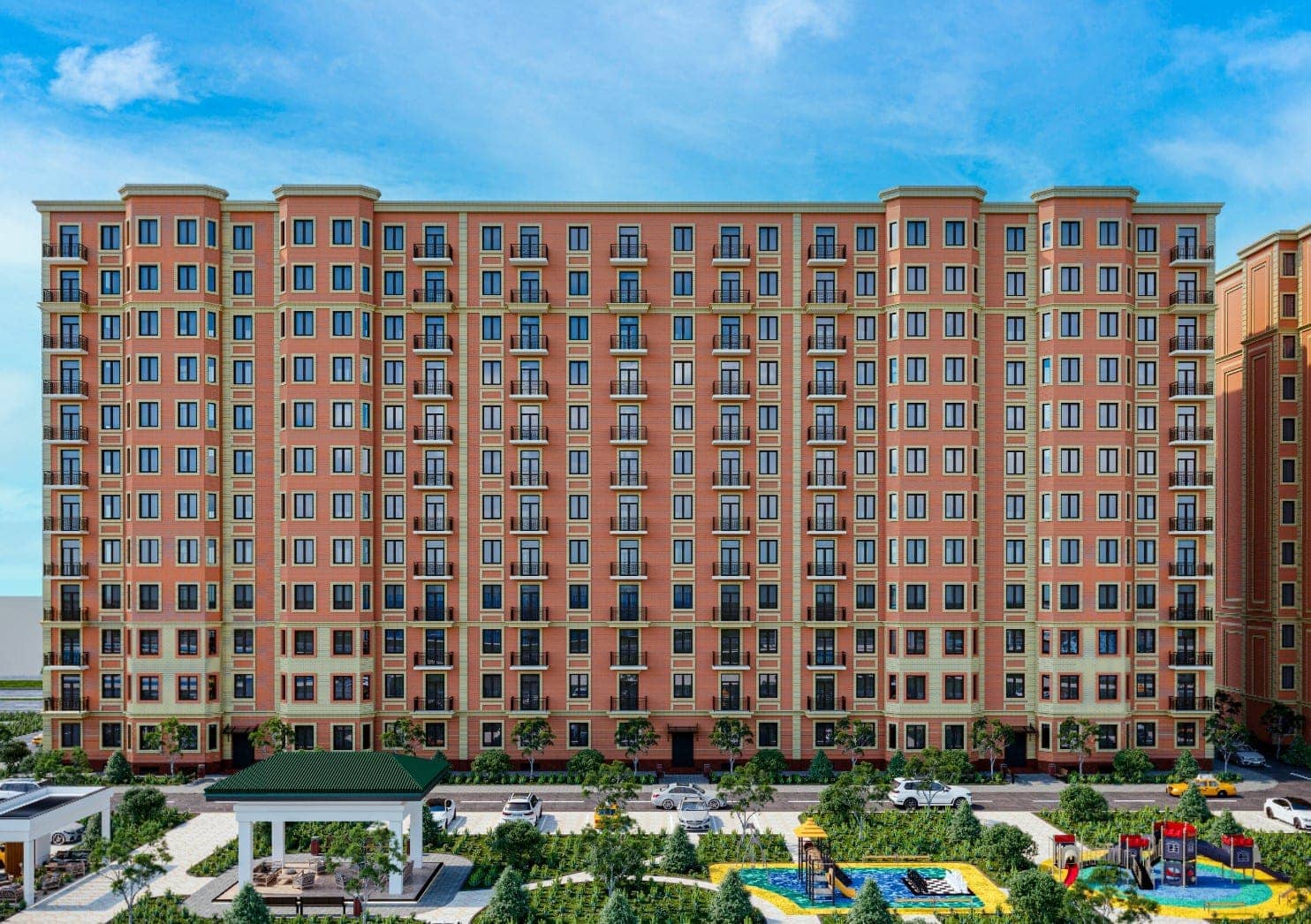
Hover a tower on the render and pick a floor — the plan and grid update automatically.
Park-side view
Hover the facade and select a floor in one of the towers
PRODUCT CAPABILITIES DEMO
Try it yourself — this is a demo
Available
Reserved
Sold
Promo
Display mode
The grid is fixed: grey cells are structural voids. Remove a unit and press + in an empty slot to restore it.
8


7
6
5
4
3
2
1
Select an apartment on the grid
A product capabilities demo with sample data. This is not a real residential complex and not live prices or statuses.
FEATURES
What your complex gets
Interactive grid
Current statuses, prices, areas, and floor plans in one place.
Apartment catalog
Easy search by rooms, floor, area, price, and building.
Leads for sales
Website inquiries go straight to your managers.
Property cards
Photos, floor plans, specs, promotions, and special offers.
Interest analytics
See which units get the most views and where clients need help.
Fast onboarding
We help migrate data and prepare your complex for launch without spreadsheet chaos.
3D TOURS
Show the apartment before the first call
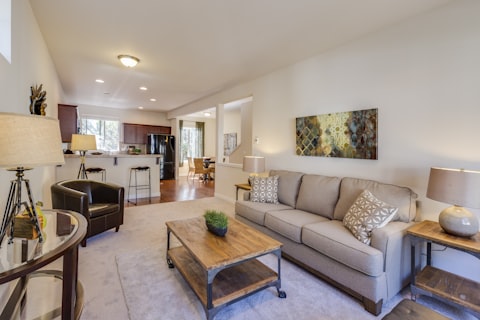
We create 3D tours of the complex, entrance, apartment, or showroom. Clients can walk through the property, explore details, and submit a request before an in-person visit.
40.3 м²Rooms: 3
Living room
Want to showcase your complex in 3D?
Discuss a 3D tourHOW IT WORKS
From request to launch
- 1
Submit a request
Tell us about your project — we'll get in touch and discuss the setup.
- 2
Share complex data
Floor plans, prices, statuses, and materials — in whatever format works for you.
- 3
We set up catalog, grid, and cards
We build your showcase: catalog, apartment grid, and unit cards.
- 4
You launch sales with a clear storefront
Sales works with up-to-date data; clients see only available options.
FOR SALES TEAMS
Don't lose clients between spreadsheets, calls, and messengers
Leads, selected units, and reservation statuses — in one workspace, not scattered chats.
CRM
New leadClient
Igor M.
Apartment
Northern Park, apt. 702
Reservation status
Reserved
Manager
Anna K.
Next contact
Tomorrow, 11:00
ONBOARDING
We'll connect your complex and help you launch sales more smoothly
Tell us a bit about your project — we'll show what your catalog, grid, and apartment cards could look like.
FAQ
Common questions
Answers to typical questions developers ask about connecting a complex to the platform.
It depends on data volume and number of buildings. Usually a basic showcase with catalog and grid can be prepared within a few business days after we receive materials. We'll agree on exact timelines on a call.
Yes — you can start with the interactive grid and expand later: catalog, apartment cards, leads. We'll tailor the setup to your needs.
Yes. After launch you can update prices, statuses, and availability in your dashboard. We'll walk you through it during setup.
Yes. The platform supports projects with several buildings. You can set up separate grids and building filters in one complex catalog.
Yes. Apartment cards can include floor plans, photos, and a 3D tour. We'll discuss format and source separately — we can embed an existing tour or help arrange a shoot.